Home tells you what’s next
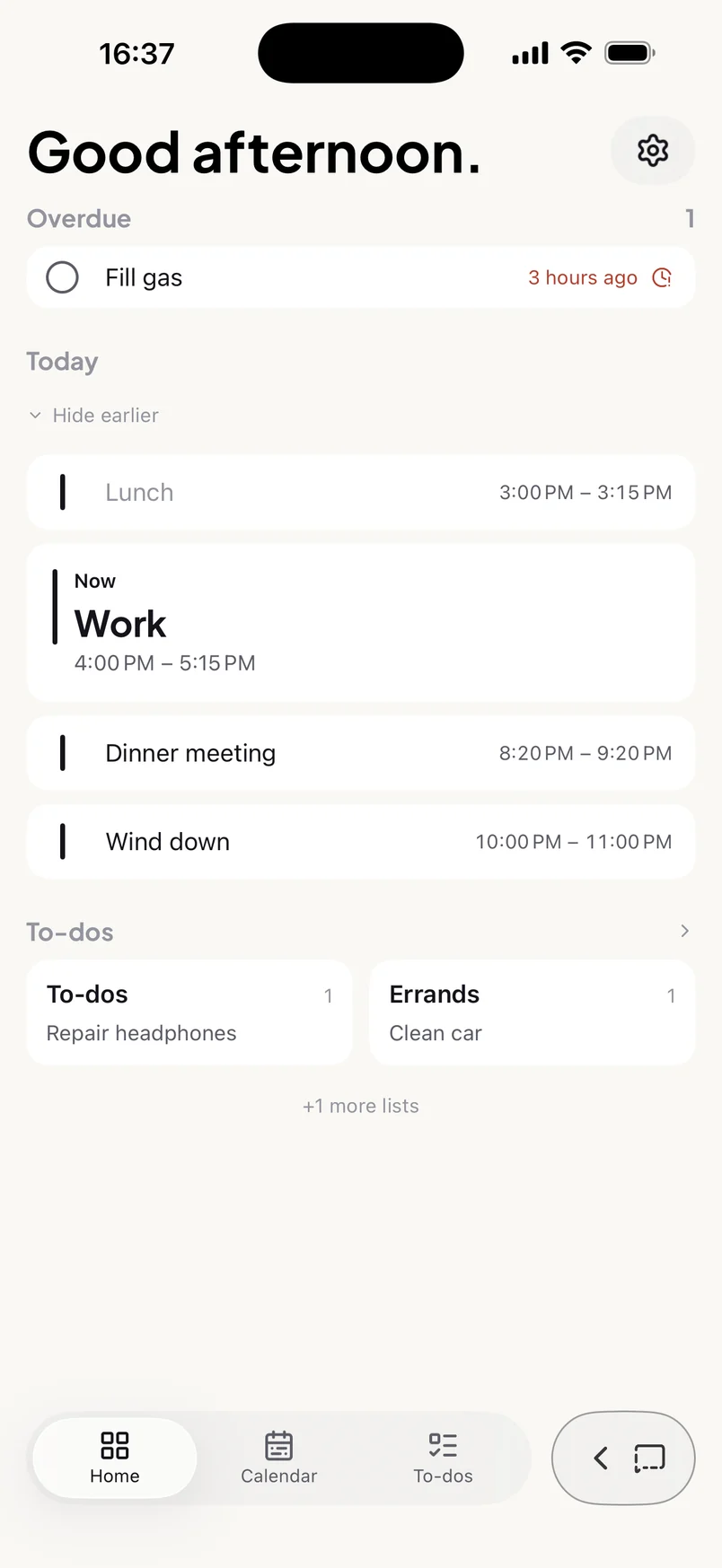
Open Sive and see what’s overdue, what’s coming up next with a countdown, the rest of today, and your to-dos. A glance, no digging.
- The next thing on your day, front and centre
- Overdue reminders pulled to the top

Brain dump planner for iPhone
Sive is an AI planner for iPhone that turns typed or dictated brain dumps into calendar events, reminders and to-dos. Say it all in one go. You approve every item before it’s saved.
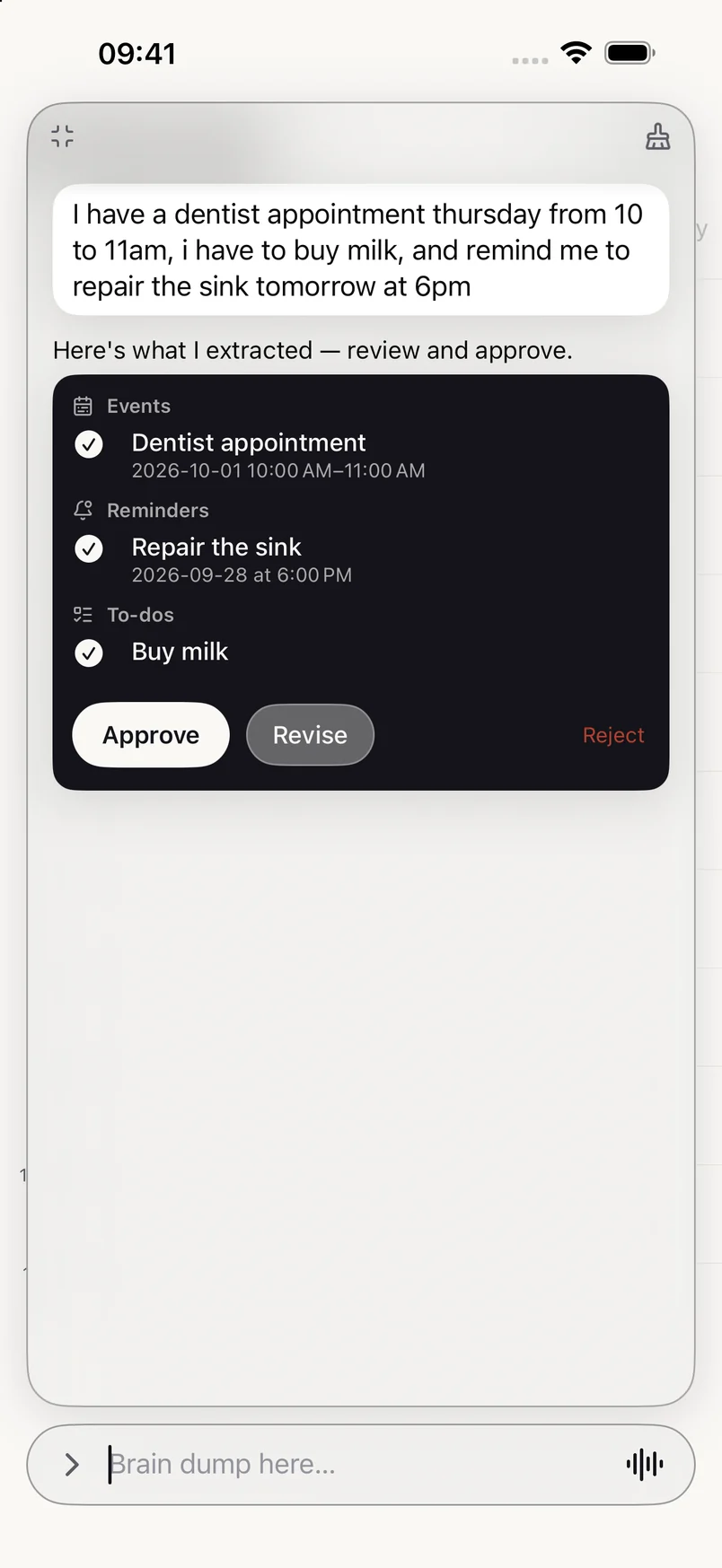
I have a dentist appointment thursday from 10 to 11am, i have to buy milk, and remind me to repair the sink tomorrow at 6pm
Here’s what I extracted — review and approve.
How it works
Type or dictate everything at once: appointments, errands, things not to forget. No forms, no fields, no order.
Sive proposes each item with its date and time. Approve it, untick what you don’t want, or ask for a change in plain words.
Events land on your calendar, reminders notify you when they’re due, and to-dos wait in your list.
One chat for everything
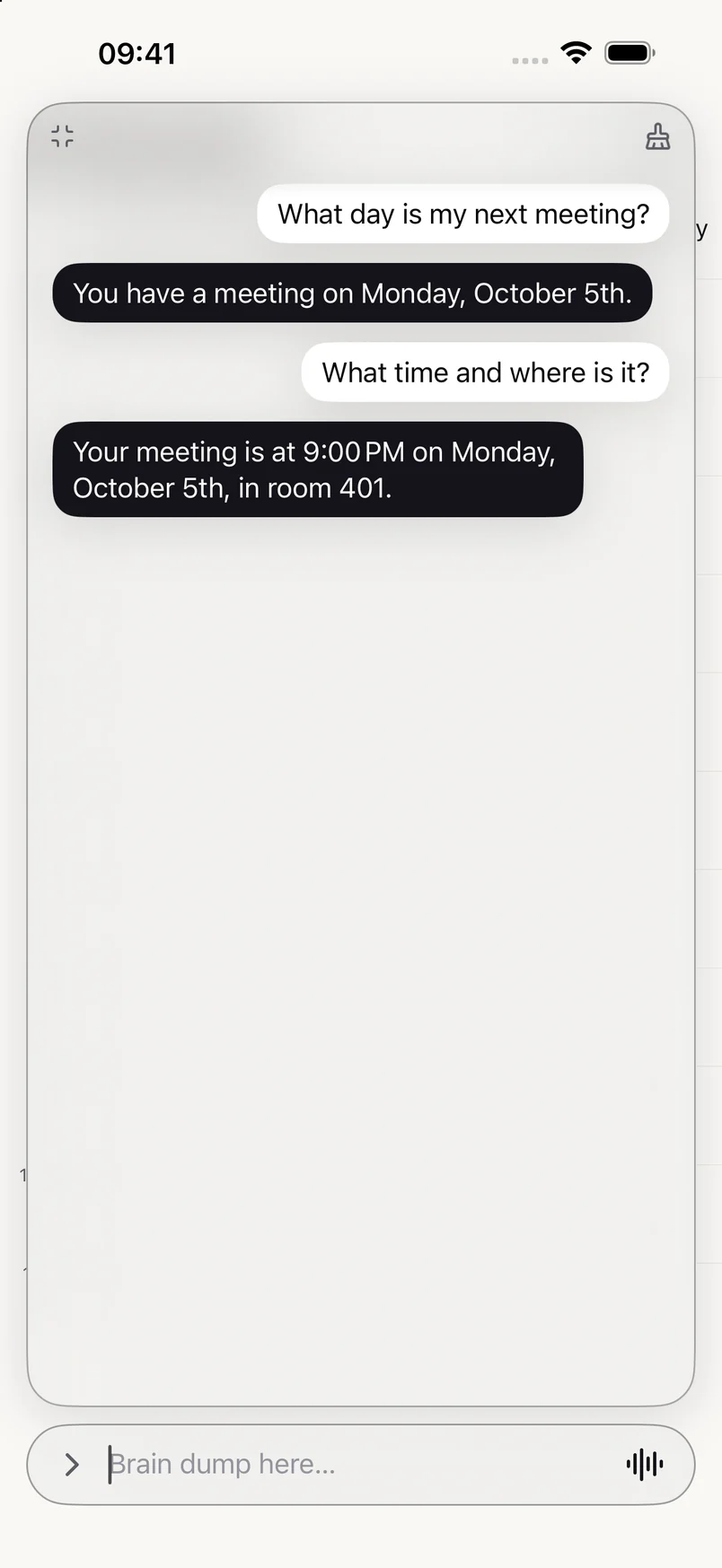
The same box you dump into also moves things, cancels things, ticks things off and answers questions about your week.
Several things in one breath become separate items, each with the right date, time and type.
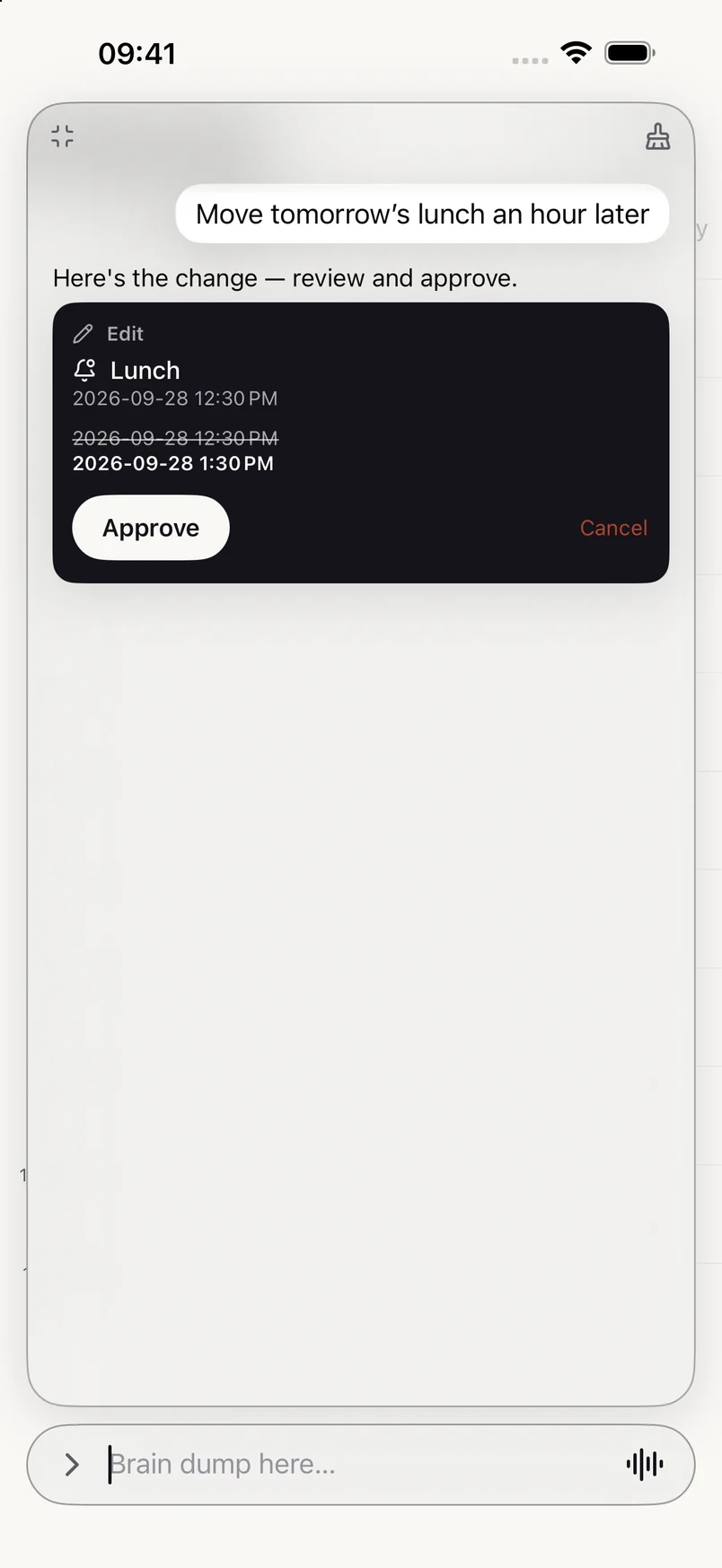
Move, rename, cancel or tick off items by saying so. Sive shows the before and after, and nothing changes until you approve.
Sive answers from what you’ve saved, so you don’t have to scroll to find out.
Your planner
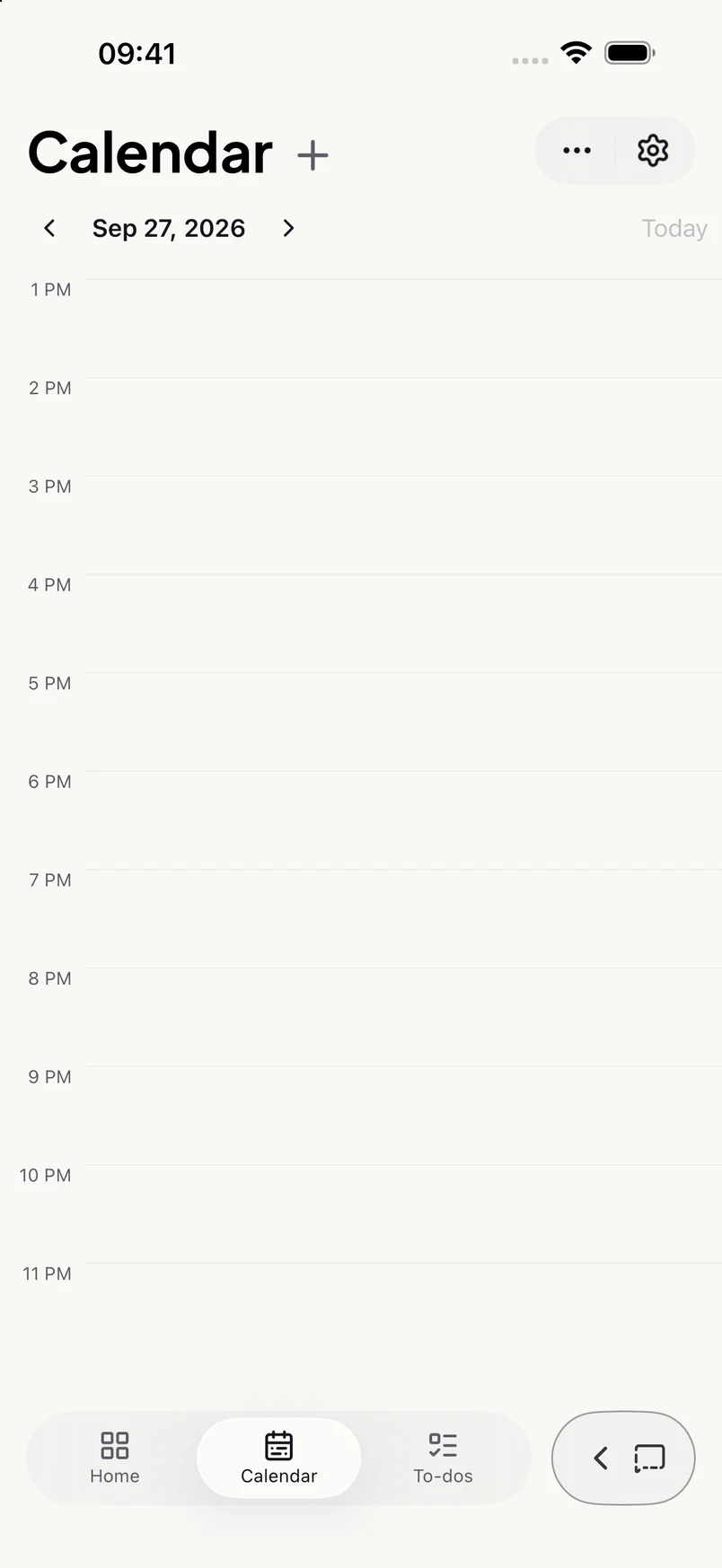
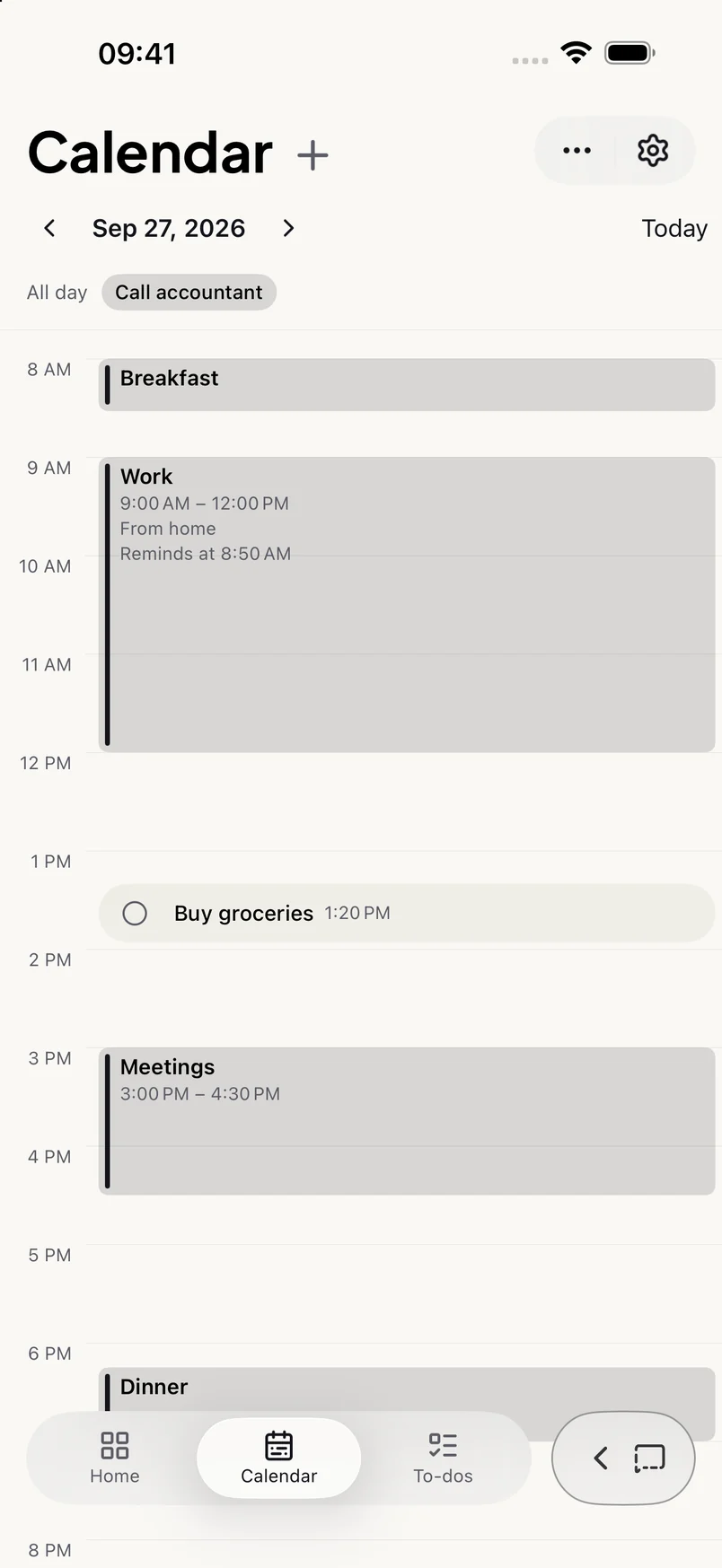
What you approve lands in a calm planner with three views: today, your calendar and your lists.
Open Sive and see what’s overdue, what’s coming up next with a countdown, the rest of today, and your to-dos. A glance, no digging.
Timed events, all-day events and reminders each look like what they are. An event’s advance reminder rides along on its block instead of cluttering the day.
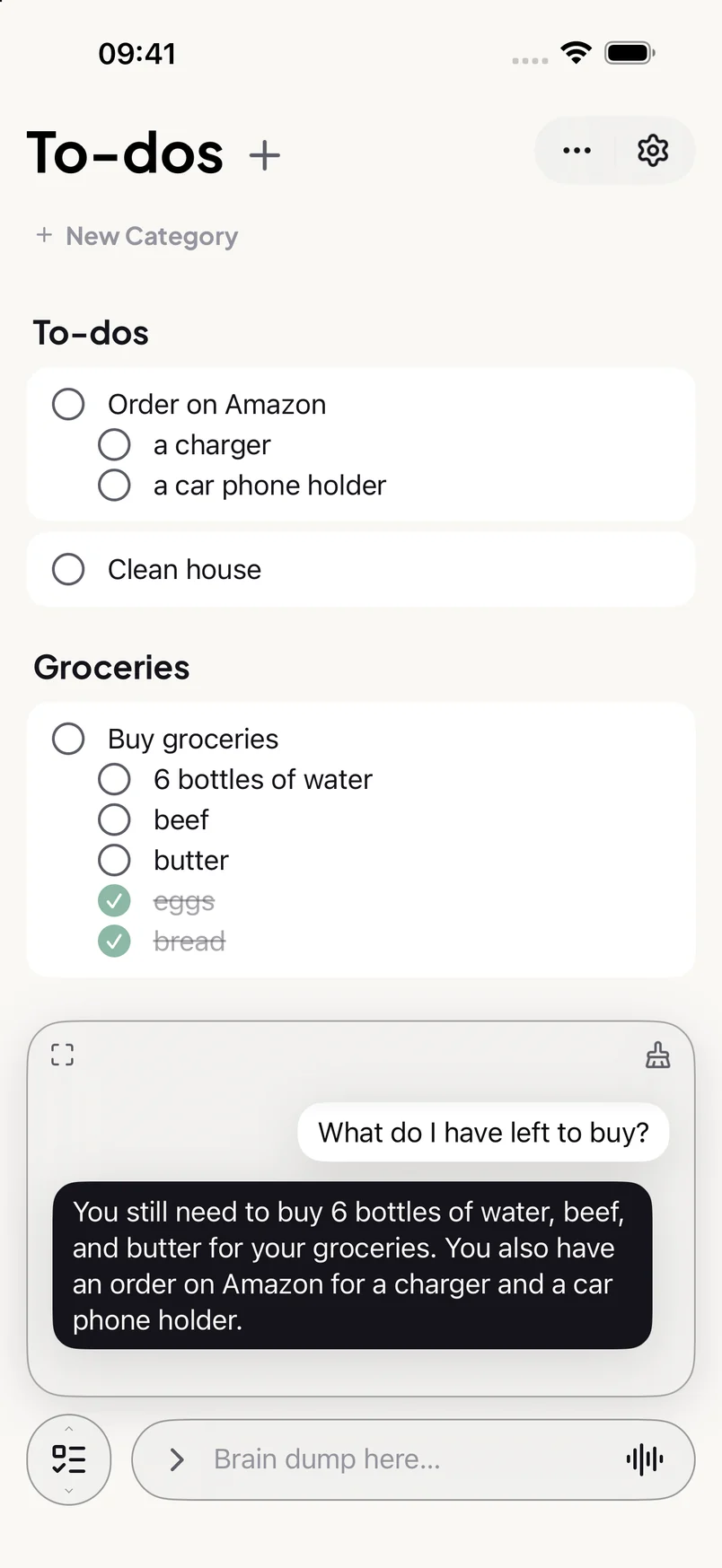
“Buy eggs, bread and coffee” becomes one grocery list with three items. Group to-dos into categories and drag them between groups.
Features
Speak naturally. Sive adds the commas and full stops and turns spoken lists into real lists.
Every item is a card you approve, revise or reject. AI can make mistakes; nothing is saved behind your back.
Ask for a heads-up an hour before, and it stays linked to the event even if you move it.
One notification with what today holds, at the hour you choose. Quiet on days with nothing on.
Your plan is stored on your iPhone and backed up to your own iCloud, so it follows you to a new phone or when reinstalling the app.
The full assistant uses the internet. With no connection, iPhones with Apple Intelligence switch to an offline assistant, and your calendar, lists, Home and editing by hand never need a connection.
Your data
What’s new
The first release: capture, change and ask in one chat, with Home, Calendar and To-dos.
French, Spanish, German.
FAQ
Anything else? The support page goes deeper, or write to sive.app282@gmail.com.
Sive is an AI planner for iPhone. You type or dictate everything on your mind in one message, and Sive sorts it into calendar events, reminders and to-dos. Each item appears as a card you approve, revise or reject, and nothing is saved until you approve it.
Sive works on any iPhone running iOS 26 or later. Apple Intelligence is not required. Sive is iPhone only and currently in English.
The chat assistant needs a connection, because it uses a cloud AI model to read what you write. Everything else works offline: the calendar, the to-do list, the home screen, and adding or editing items by hand. On iPhones with Apple Intelligence, Sive can fall back to Apple's on-device model when there is no connection.
Your plan is stored on your iPhone and backed up to your own private iCloud. Sive runs no database about you and never receives your plan. When you send a message to the assistant, that message is passed to an AI model operated by Google to be read. It is not used to train anyone's AI model, and no message or reply is stored on Sive's side.
You don't fill in forms. You write or say things the way they come to mind, several at once, and Sive works out which ones are timed events, which are reminders and which are plain to-dos, including the dates and times. You can then change or ask about your plans in the same plain words.
Yes. Tap the microphone and speak; Sive punctuates your dictation and turns spoken lists into proper lists. In Settings you can make voice the default, so opening the chat starts listening straight away.
Yes. Sive is a subscription, and new subscribers start with a free trial. The current price and trial length are shown in the App Store and in the app before you subscribe.
Subscriptions are managed by Apple. Open the Settings app on your iPhone, tap your name, then Subscriptions, and choose Sive. You can also reach it from Settings, then Subscription, inside Sive. Cancel at least 24 hours before the free trial ends and you won't be charged.
If iCloud is on, your events, reminders and to-dos are backed up to your private iCloud and appear on your new iPhone when you sign in with the same Apple Account and install Sive.
Try Sive free, and let one message plan tomorrow.